For most AI developers with bursty workloads — prototyping, notebooks, Stable Diffusion, local LLM testing, fine-tuning small models — a cloud PC is worth it: you get a full Windows 11 desktop with a dedicated NVIDIA GPU, persistent storage, and hourly billing instead of a $2,000–$4,000 workstation that sits idle most of the week. It is not the right tool for always-on, cluster-scale training. The break-even is simple: if you need GPU power under ~20 hours a week, renting beats buying.
Training a model on a thin laptop is a fast way to waste an afternoon. Fans spin up, memory runs out, CUDA breaks, and suddenly your local machine is the bottleneck. That is exactly why the cloud PC for AI development is getting attention: a full Windows desktop with real GPU power, more RAM, persistent storage, and access from the device you already own.
For many AI developers, the question is not whether cloud hardware is useful. It is whether a cloud PC is the right kind of cloud setup — because not every AI workflow needs a complex server stack. Sometimes you need a simple, powerful Windows machine that is ready in minutes and keeps your files between sessions.
What Is a Cloud PC for AI Development?
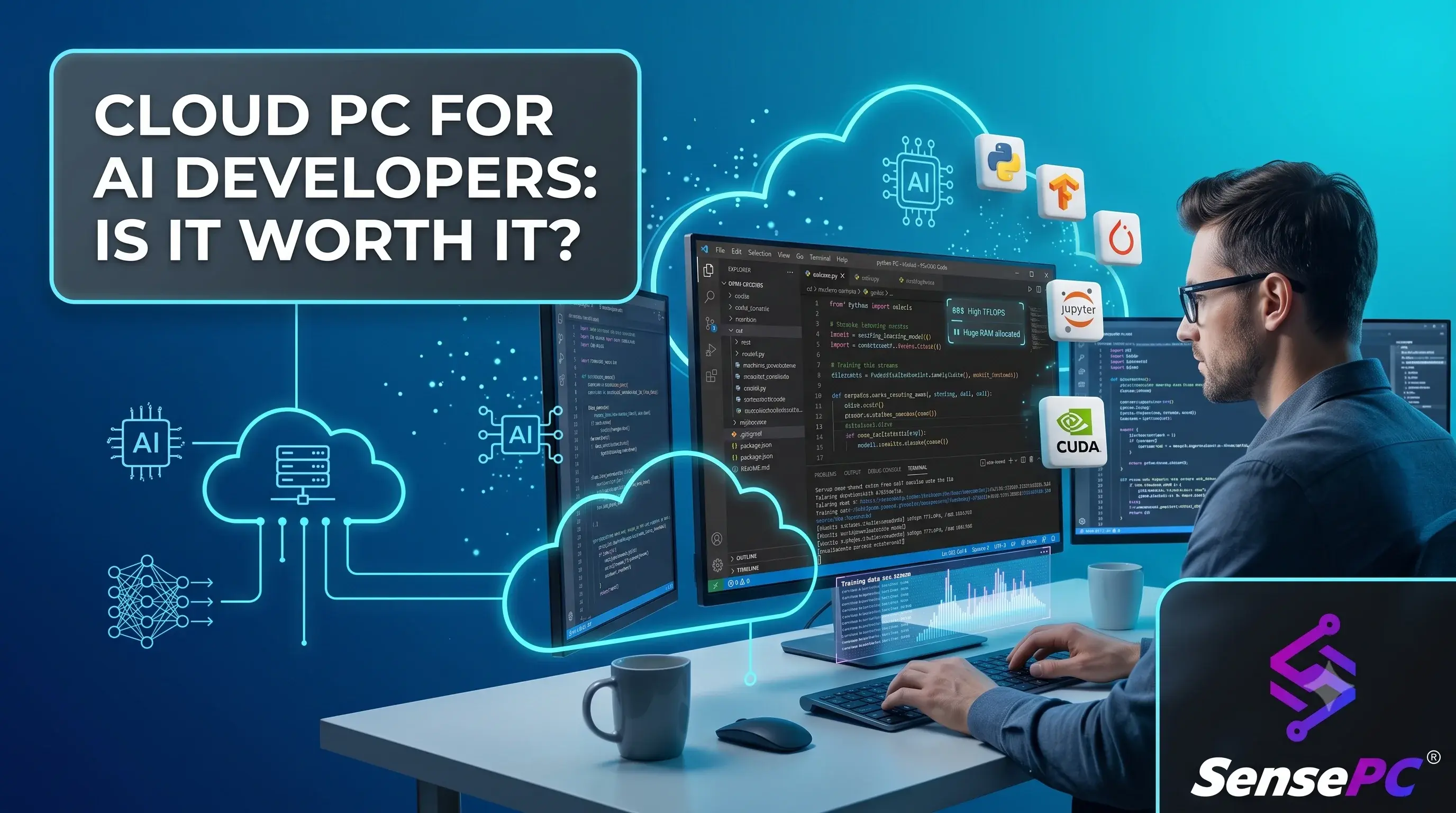
A cloud PC for AI development is a complete Windows desktop with a dedicated GPU that runs in a data center and streams to your local device. Unlike a raw cloud GPU instance (an EC2 or GCP virtual machine you configure from scratch), a cloud PC behaves like a normal computer: you log in to a desktop, install PyTorch or ComfyUI once, keep models and datasets on persistent SSD storage, and pick up exactly where you left off next session.
That distinction — desktop environment vs. bare infrastructure — is the whole category. AI developers do not only need compute. They need a usable machine.
Cloud PC vs. AI Workstation vs. Raw Cloud GPU: Which Fits You?
Factor | Cloud PC (e.g., SensePC) | Local AI workstation | Raw cloud GPU instance |
Upfront cost | $0 — hourly billing | $2,000–$4,000+ (RTX 4090-class build) | $0 upfront |
Setup time | Minutes; ready-to-use Windows 11 | Days (build, drivers, environment) | Hours per instance (OS, CUDA, drivers) |
Environment persistence | Yes — files, models, apps persist | Yes | Often no — rebuilt per instance unless configured |
Ease of use | Normal desktop; no DevOps | Normal desktop | Cloud console, SSH, infra management |
Works from Mac/thin laptop | Yes | No | Yes (terminal-level) |
Idle cost | Zero when stopped | Full price paid regardless | Zero when terminated (but env is gone) |
Scale ceiling | Single powerful machine | Single machine | Effectively unlimited (clusters) |
Best for | Bursty dev work, prototyping, learning | Daily heavy training, 20+ hrs/week | Production training, MLOps pipelines |
Rule of thumb: under ~20 GPU-hours a week, hourly cloud access usually beats ownership on cost; above it, hardware starts paying for itself. And if your pain is setup friction rather than scale, a cloud PC beats a raw instance regardless of hours.
When a Cloud PC Makes More Sense Than Buying Hardware
If you train large production models every day, dedicated long-term infrastructure may be the better fit. But that is not most developers. Many need GPU access a few hours a day, a few days a week, or during specific project windows.
That is where the economics change. Buying a high-end workstation means paying upfront for peak performance even when the machine sits idle — plus owning the heat, the noise, the upgrades, and the repair risk. A cloud PC fits bursty workloads: prototyping, class projects, side projects, AI-assisted apps, local inference testing, model experimentation, image generation, and Windows-specific development.
There is also a flexibility advantage: if your daily device is a MacBook, an older laptop, or a travel setup, a cloud PC turns it into an access point for a stronger machine. You keep mobility without giving up performance.
The Trade-Offs Are Real
A cloud PC is not magic, and AI developers should be clear about the limits:
Latency: usually fine for coding, notebooks, and image generation — the heavy work happens remotely, so stream lag matters less than people think. But unstable internet degrades everything; you want a stable 15+ Mbps connection.
Scale ceiling: a GPU-backed cloud PC handles a lot, but it is one machine. Massive distributed training, cluster orchestration, and strict data-locality requirements belong on purpose-built infrastructure.
Cost discipline: on-demand pricing is efficient only if you stop machines when idle and match specs to the task. A left-running instance is the cloud equivalent of a workstation heating an empty room.
What to Look For in a Cloud PC for AI Work
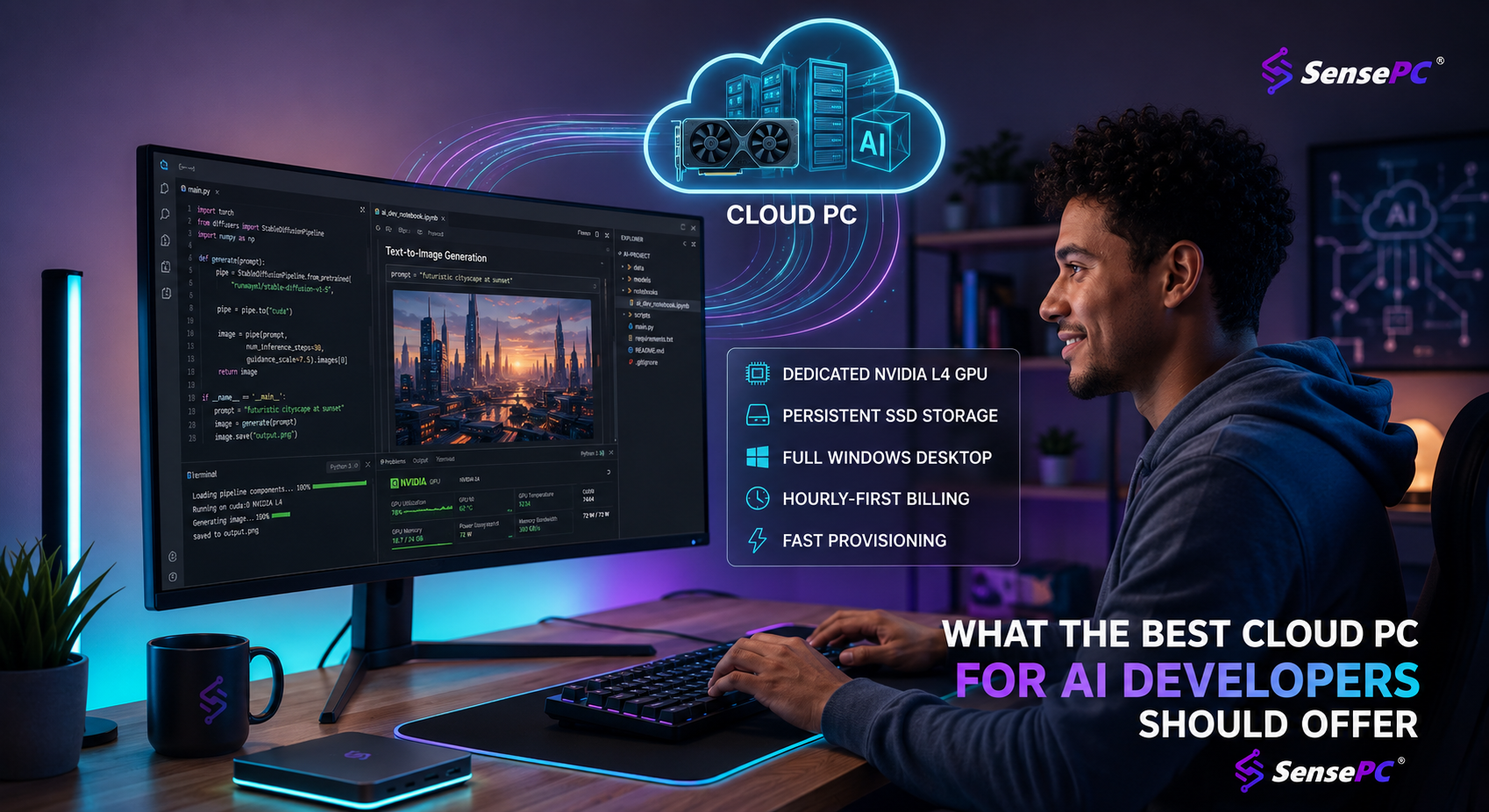
NVIDIA GPU first. CUDA-based tools — PyTorch, diffusion apps, GPU notebooks — make an NVIDIA GPU the practical baseline. Check VRAM against your models: 8–12 GB covers SDXL image generation and small-model fine-tuning; quantized 7B–13B LLMs want 8–16 GB.
Persistent storage. The biggest quality-of-life difference vs. disposable compute: environments, model weights, datasets, checkpoints, and outputs survive between sessions. No re-downloading 20 GB of models every login.
Balanced CPU and RAM. Preprocessing, Docker, IDEs, browsers, and local databases chew memory. A balanced machine beats a GPU-heavy box with weak supporting specs.
A full Windows 11 desktop. If your toolchain, drivers, or app stack live easiest on Windows, a real desktop beats wrestling cloud console menus.
Fast provisioning. If a machine takes forever to create, the on-demand benefit disappears. Create it, connect, work — minutes, not hours.
AI Workflows That Fit a Cloud PC Well
Stable Diffusion and ComfyUI — GPU acceleration plus a persistent home for models, custom nodes, and outputs.
Local LLM testing — running quantized open-weight models through Ollama or LM Studio for evaluation and app development fits a single-GPU desktop well; you get local-LLM privacy characteristics without buying the hardware.
PyTorch experiments — validating training code, testing inference, and small-to-mid fine-tunes before graduating to larger infrastructure.
AI app development — chatbot interfaces, vision prototypes, automation tools: work that needs a real desktop with editors, terminals, browsers, and GPU tools side by side.
Students and learners — ML coursework and portfolio projects rarely justify a premium workstation; renting performance per project does. (See Cloud PC for work, AI & creation.)
How to Decide: 3 Questions
How often do you actually need GPU power? Occasionally or in bursts → renting beats buying.
Do you want infrastructure or just a machine? If the answer is "a usable desktop with less setup friction" → cloud PC.
Does your local device limit your work? Mac, lightweight laptop, aging desktop → remote access to a stronger Windows machine removes the ceiling fastest.
If your workload is always-on, large-scale, and tied to custom cloud architecture, a cloud PC may only be part of your stack. For a practical environment covering coding, testing, inference, image generation, and AI tool use, it is often the simpler and more cost-aware choice.
Platforms such as SensePC lean into exactly that model: dedicated GPU access, persistent SSD storage, fast setup, and simple hourly billing wrapped in a machine that behaves like a normal high-performance Windows PC. (See plans →